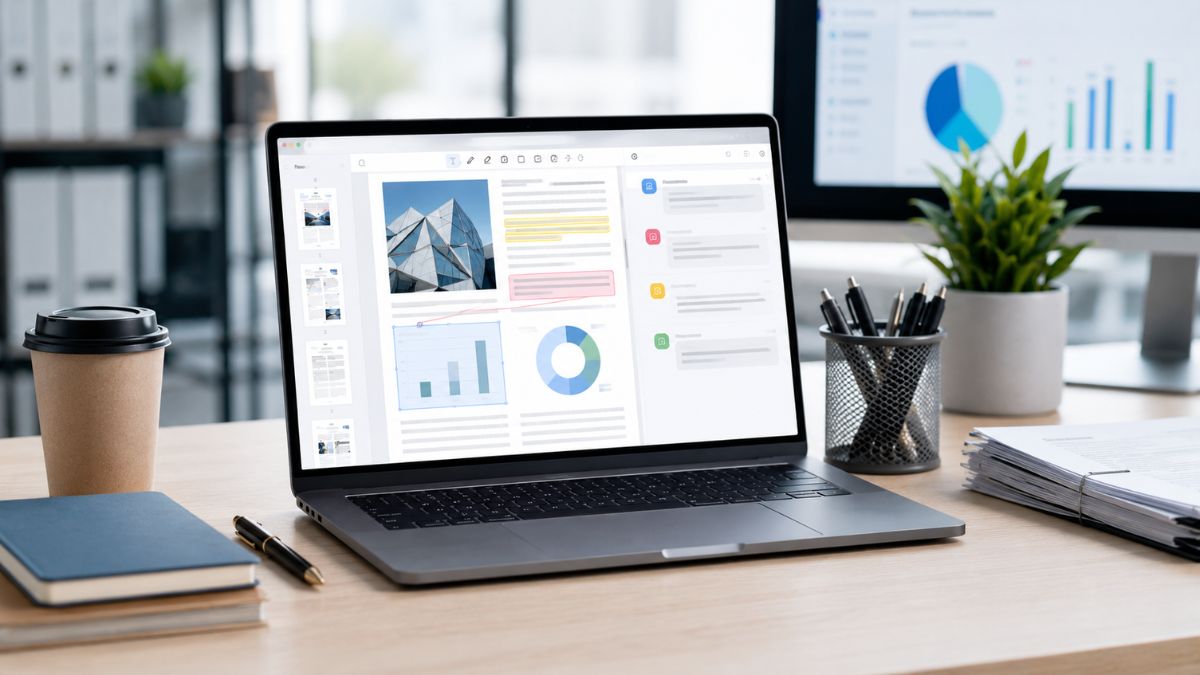
PDF documents remain one of the most widely used file formats in business.
Whether you’re reviewing contracts, preparing reports, managing invoices, or sharing client documents, your team likely interacts with PDFs every day. The challenge is finding software that allows you to edit, organize, secure, and collaborate on those files without slowing down productivity.
PDF Expert for Business aims to solve that problem by providing a streamlined platform designed for professionals and teams. Rather than relying on multiple tools for editing, annotation, document conversion, and file management, you can handle many tasks from a single interface.
If you’re evaluating business PDF software, understanding both the strengths and limitations of PDF Expert can help you determine whether it fits your organization’s needs.
Why Businesses Continue to Depend on PDF Documents
Before exploring the software itself, it’s worth understanding why PDFs remain essential in modern workplaces.
Businesses often choose PDFs because they:
- Preserve formatting across devices
- Support secure document sharing
- Allow digital signatures
- Reduce compatibility issues
- Create professional-looking files
- Simplify document archiving
Because PDFs are used across legal, financial, educational, healthcare, and corporate environments, having reliable software to manage them can significantly improve daily operations.
Key Features of PDF Expert for Business
PDF Expert focuses on making document management faster and more intuitive for professional users.
PDF Editing Tools
One of the platform’s primary strengths is its editing capability.
You can:
- Modify existing text
- Update document content
- Adjust formatting
- Insert images
- Rearrange pages
- Correct errors without recreating documents
For businesses that frequently revise proposals, contracts, presentations, and client-facing materials, these editing tools can save considerable time.
Annotation and Review Features
Collaboration often requires multiple stakeholders to review the same document.
PDF Expert allows you to:
- Highlight important sections
- Add comments
- Insert notes
- Mark revisions
- Review documents collaboratively
This functionality can be particularly valuable for legal teams, project managers, consultants, and executives who regularly exchange feedback on important files.
Document Organization
Managing large volumes of documents can quickly become overwhelming.
PDF Expert includes organizational features that help you:
- Merge multiple PDFs
- Split large documents
- Reorder pages
- Extract specific sections
- Create cleaner document structures
If your business handles lengthy reports, proposals, or compliance documentation, these tools can improve document accessibility and usability.
How PDF Expert Can Improve Team Productivity
The true value of business software often comes from its impact on everyday workflows.
Faster Document Processing
Many organizations lose productivity when employees switch between multiple applications.
With PDF Expert, your team can often complete several tasks within a single platform, including:
- Editing
- Reviewing
- Signing
- Organizing
- Sharing
Reducing software switching can help employees focus on work rather than managing tools.
Improved Collaboration
Modern teams frequently work across multiple locations and time zones.
PDF Expert supports collaborative workflows by making document review more efficient. Team members can provide feedback directly within files, reducing lengthy email chains and minimizing confusion about document revisions.
User-Friendly Experience
Some enterprise document solutions come with steep learning curves.
One advantage often highlighted by users is PDF Expert’s relatively intuitive interface. Employees may require less training compared to more complex document management systems, allowing teams to adopt the software more quickly.
Security Considerations for Business Users
Security remains a major concern whenever sensitive business documents are involved.
Protecting Confidential Information
Organizations regularly handle:
- Client agreements
- Financial reports
- Employee records
- Strategic plans
- Legal documentation
PDF Expert includes document protection capabilities designed to help safeguard sensitive information and maintain controlled access.
Supporting Compliance Efforts
Different industries face different regulatory requirements.
While PDF Expert can assist with secure document handling, businesses operating in highly regulated sectors should still evaluate whether the platform aligns with their specific compliance obligations and security policies.
Factors to Evaluate for the Best Fit
No software solution is perfect for every organization.
Advanced Enterprise Needs
Large enterprises with highly complex document workflows may require:
- Extensive automation
- Advanced workflow routing
- Deep integrations
- Industry-specific compliance tools
In some cases, larger organizations may find specialized enterprise document platforms better suited to those requirements.
Platform Preferences
Businesses should also evaluate compatibility with their existing technology ecosystem. The ideal PDF solution should fit naturally into your current workflow rather than forcing major operational changes.
Cost Versus Usage
Smaller businesses with limited PDF editing needs may question whether premium business software is necessary. If your team only occasionally edits documents, simpler solutions may be sufficient.
However, organizations that work with PDFs daily often find productivity gains justify the investment.
Who Benefits Most From PDF Expert for Business
PDF Expert can be particularly useful for:
- Legal professionals
- Consultants
- Marketing teams
- Financial departments
- Real estate professionals
- Project managers
- Small and medium-sized businesses
These users often require frequent document editing, review, organization, and secure sharing capabilities.
Bringing It All Together
PDF Expert for Business offers a practical balance between functionality, usability, and efficiency.
Its editing tools, annotation features, document organization capabilities, and security-focused approach make it a strong option for teams that rely heavily on PDF-based workflows.
While organizations with highly specialized enterprise requirements may need additional solutions, many businesses will appreciate the platform’s ability to simplify document management and reduce workflow friction. By helping your team edit, review, organize, and share documents more efficiently, PDF Expert can contribute to improved productivity across departments.
If you’re exploring software solutions for your workplace or searching for practical gifts for entrepreneurs, remote workers, students, or professionals, be sure to browse PDX Expert for more useful business tools and thoughtful gift ideas.
Leave a Reply