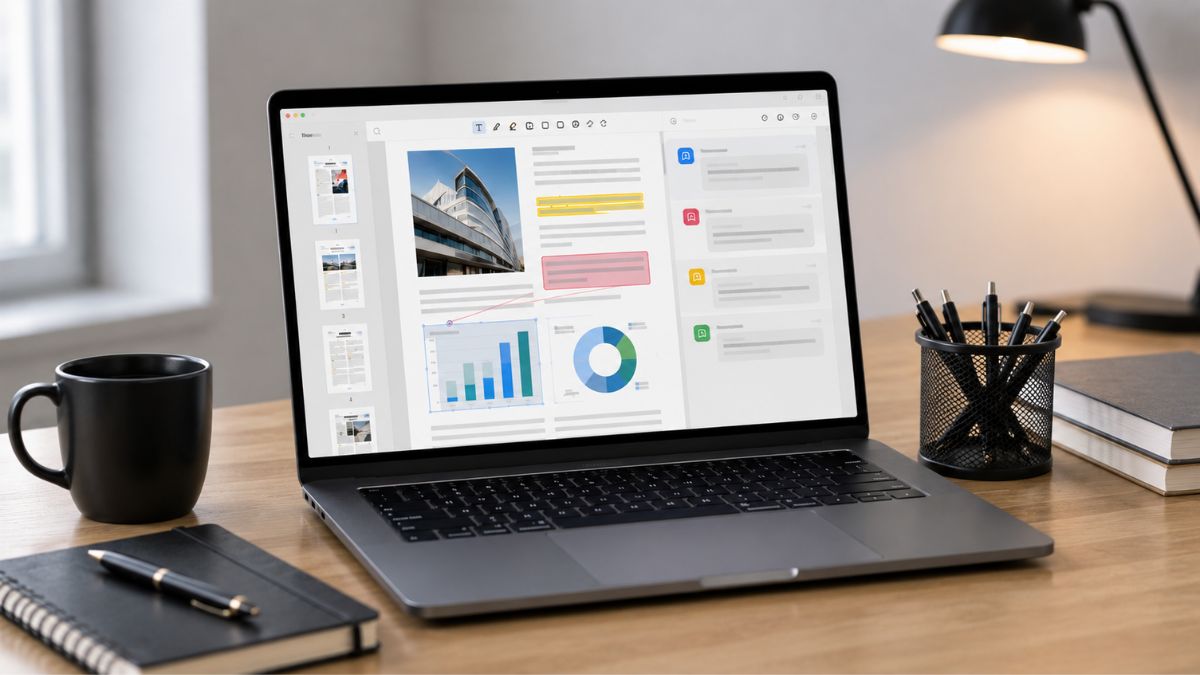
Managing PDF files is an essential part of modern work, from reviewing contracts and research papers to analyzing reports and business documents.
However, locating specific information in lengthy PDFs can often be slow and frustrating. PDF Copilot addresses this challenge by combining artificial intelligence with advanced document management features, enabling users to interact with PDFs through natural, conversational prompts.
Instead of manually searching through pages, you can quickly find answers, summarize content, and extract key insights. For professionals, students, and businesses that handle large volumes of documents, PDF Copilot offers a more efficient way to manage information and boost productivity.
Understanding What PDF Copilot Does
Artificial intelligence is changing how people interact with digital documents. Rather than manually searching through dozens or even hundreds of pages, PDF Copilot enables you to ask questions, request summaries, and locate specific information directly from your files.
At its core, the platform functions as an intelligent assistant that helps you extract insights from PDF documents more quickly. Instead of spending valuable time scrolling through pages, you can focus on understanding and applying the information.
For professionals, students, researchers, and business owners, this approach can significantly streamline document-heavy workflows.
Key Features That Make PDF Copilot Stand Out
Before deciding whether PDF Copilot fits your needs, it’s important to understand its primary capabilities.
AI-Powered Document Conversations
One of the most appealing features is the ability to communicate with your PDFs through natural language.
You can ask questions such as:
- What are the main findings in this report?
- Summarize this document in five bullet points.
- Where does the contract discuss payment terms?
- What conclusions did the author reach?
Instead of manually searching, the AI identifies relevant sections and presents answers in an easy-to-understand format.
Fast Document Summaries
Long documents often contain valuable information buried beneath pages of details. PDF Copilot helps by generating concise summaries that highlight key points.
This can be particularly useful when:
- Reviewing business proposals
- Analyzing legal documents
- Studying academic papers
- Evaluating financial reports
- Preparing meeting materials
The ability to quickly understand a document’s contents can save substantial time throughout the workday.
Intelligent Search Capabilities
Traditional PDF search functions rely heavily on exact keywords. PDF Copilot goes beyond keyword matching by understanding context and meaning.
This allows you to locate information even when you don’t remember the precise wording used in the document.
For users who frequently work with technical manuals, research papers, or lengthy reports, contextual search can dramatically improve efficiency.
Enhanced Knowledge Extraction
Another benefit is the ability to extract actionable insights from large documents.
Instead of simply finding text, PDF Copilot helps identify:
- Important conclusions
- Key recommendations
- Critical deadlines
- Financial figures
- Supporting evidence
- Relevant references
This deeper level of analysis makes document review faster and more productive.
Who Can Benefit Most from PDF Copilot
Different users may experience different levels of value from the platform.
Business Professionals
If you regularly review contracts, proposals, compliance documents, or internal reports, PDF Copilot can reduce the time spent searching for information.
Busy professionals often benefit from:
- Faster document reviews
- Improved decision-making
- Reduced manual research
- Better information retrieval
Students and Researchers
Academic users frequently work with extensive reading materials. PDF Copilot can help summarize articles, identify key findings, and organize information for study purposes.
This may be especially valuable during:
- Literature reviews
- Thesis research
- Exam preparation
- Coursework analysis
Legal and Financial Teams
Professionals in legal and financial fields often handle highly detailed documents where accuracy matters.
PDF Copilot can assist by:
- Locating specific clauses
- Identifying critical terms
- Summarizing lengthy agreements
- Highlighting relevant sections
However, expert human review should always remain part of the process.
Areas Where PDF Copilot May Fall Short
While PDF Copilot offers compelling advantages, no AI solution is perfect.
AI Responses May Require Verification
Artificial intelligence tools can occasionally misunderstand context or generate incomplete interpretations.
For critical documents involving legal, financial, or regulatory matters, you should always verify AI-generated responses against the original source material.
Performance Depends on Document Quality
The effectiveness of PDF Copilot often depends on the quality of the uploaded PDF.
Challenges may arise with:
- Poor scans
- Low-resolution files
- Complex formatting
- Heavily image-based documents
Clean, text-based PDFs generally deliver the best results.
Learning Curve for New Users
Although conversational interfaces are intuitive, some users may need time to learn how to ask effective questions and maximize the platform’s capabilities.
The quality of AI responses often improves when prompts are clear and specific.
Is PDF Copilot Worth Using? Features, Benefits, and Drawbacks Explained
Whether PDF Copilot is worth using depends on how often you work with PDFs. For users who regularly handle reports, contracts, research papers, or business documents, its AI-powered summaries, search tools, and document chat features can save time and improve productivity. Casual users, however, may find a standard PDF reader sufficient.
While it shouldn’t replace careful review of important documents, PDF Copilot can be a valuable assistant for finding information faster and simplifying document management. If you’re looking to streamline your workflow, it’s worth considering.
Leave a Reply