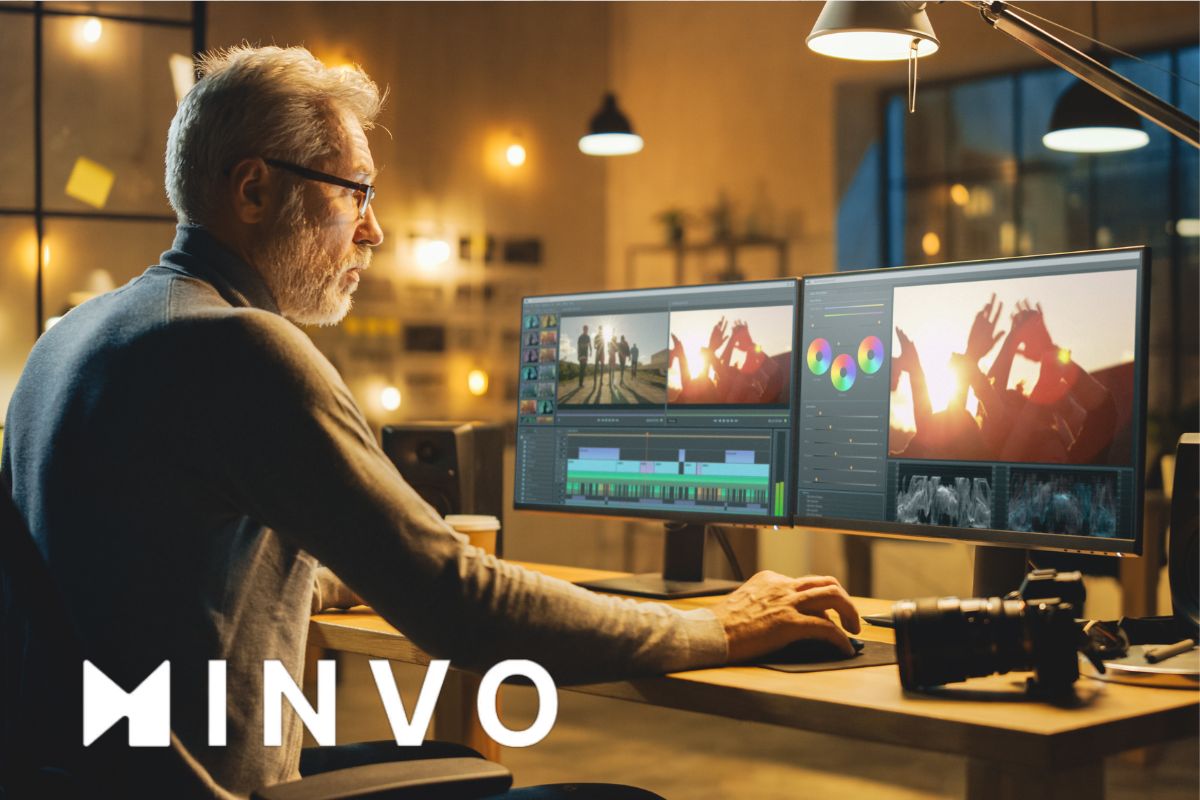
Video content creators waste an average of 6 hours per week editing videos for social media. I’ve tested Minvo, an AI video editor that promises to slash that time dramatically. After putting it through its paces, I’ll share how this tool can revolutionize your content creation workflow, from its MagicEdit features to its multi-platform capabilities.
AI-Powered Editing Capabilities
Minvo’s advanced AI editing system revolutionizes content creation through its MagicEdit technology, powered by GPT-4. The system automatically identifies crucial moments in long-form videos, transforming them into concise, engaging clips. Smart algorithms detect and remove filler words and unnecessary silences, maintaining natural flow while optimizing video length.
The platform’s intelligent B-roll integration enhances visual storytelling by automatically inserting relevant footage at strategic points. Additionally, Minvo’s emoji placement algorithms analyze content context to add appropriate emotional elements, increasing viewer engagement.
Platform Integration and Export Options
The platform seamlessly connects with major social media channels, enabling direct posting to YouTube, Instagram, TikTok, and LinkedIn. Content creators can work with various video formats, including MP4, MOV, and AVI, with support for 4K resolution exports in the Pro plan.
Storage limitations vary by subscription level, with free plans offering up to 1 hour of video storage and Pro plans extending to 24 hours annually. The built-in scheduling and analytics tools provide comprehensive insights into content performance across different platforms.
Language and Accessibility Features
Minvo excels in multilingual support, offering caption generation and translation services in over 50 languages. The voice dubbing feature maintains natural speech patterns while converting content into different languages, ensuring global reach for content creators.
The web-based application runs smoothly on modern browsers across both Windows and macOS operating systems, making it accessible to a diverse user base. Translation accuracy remains consistently high across supported languages, facilitating international content distribution.
Pricing Structure and Value Proposition
The Free plan includes basic AI-powered editing features and unlimited posting capabilities, though exports include watermarks. At $14.99 monthly or $4.49 monthly with annual billing, the Pro plan unlocks premium features including watermark-free exports, 4K resolution capability, and extensive language support.
AppSumo lifetime deals have provided additional value, offering packages at $79 with 2 hours monthly video input, unlimited exports, and 90-day upload storage. This pricing structure accommodates both individual content creators and professional users.
Real User Experience and Performance
Users consistently highlight the platform’s intuitive interface design, though some advanced features require initial familiarization. The learning curve varies based on prior editing experience, with most users achieving proficiency within a few sessions.
Rendering speeds occasionally fluctuate during peak usage periods, and collaboration tools remain limited for team projects. However, the output quality consistently meets professional standards, particularly in automated captioning and B-roll integration.
Making the Most of Your Investment
Whether you’re a content creator, marketer, or business owner, Minvo offers a compelling solution for streamlining video content creation. With plans starting at $4.49/month when billed annually, it’s an accessible tool that can transform your social media presence. Consider starting with the free plan to experience its capabilities firsthand before upgrading to unlock premium features.
Leave a Reply